How to use Dino?
Dino’s system is straightforward. The system will guide your through the relevant questions sequentially, guiding you through the process with explanations.
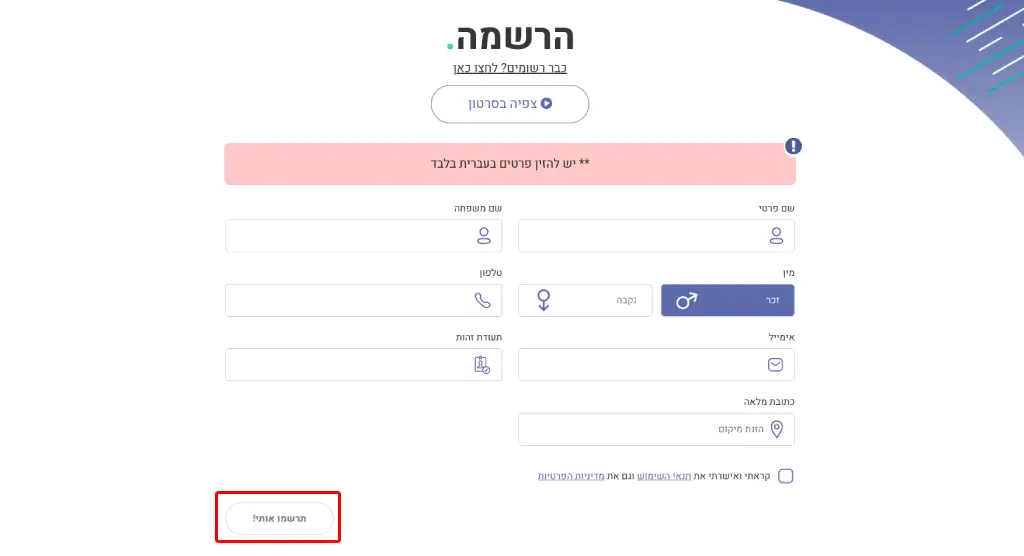
To use the system, starting with filling your information:

This article was translated using AI technology.
Dino’s system is straightforward. The system will guide your through the relevant questions sequentially, guiding you through the process with explanations.
To use the system, starting with filling your information:
After completing all details and accepting the website terms and conditions and privacy policy, click the registration button.
Note: Dino will use your details to serve as the primary claimant’s information and will be used for invoicing.
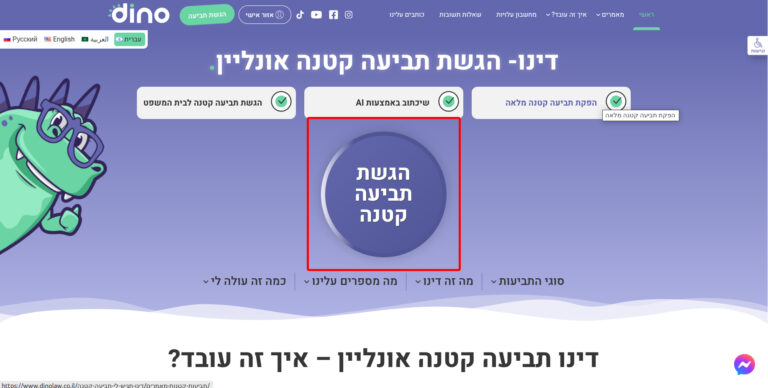
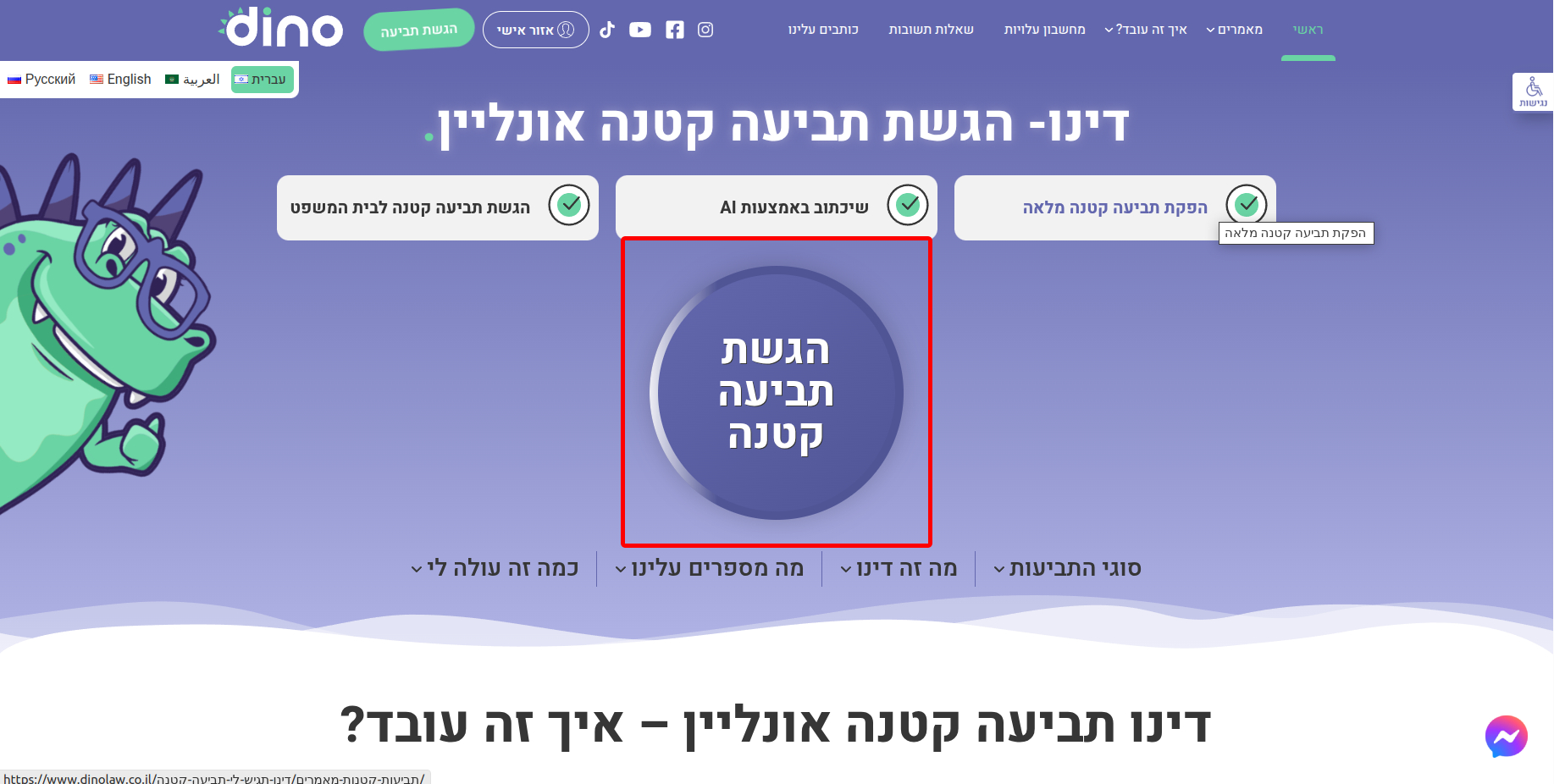
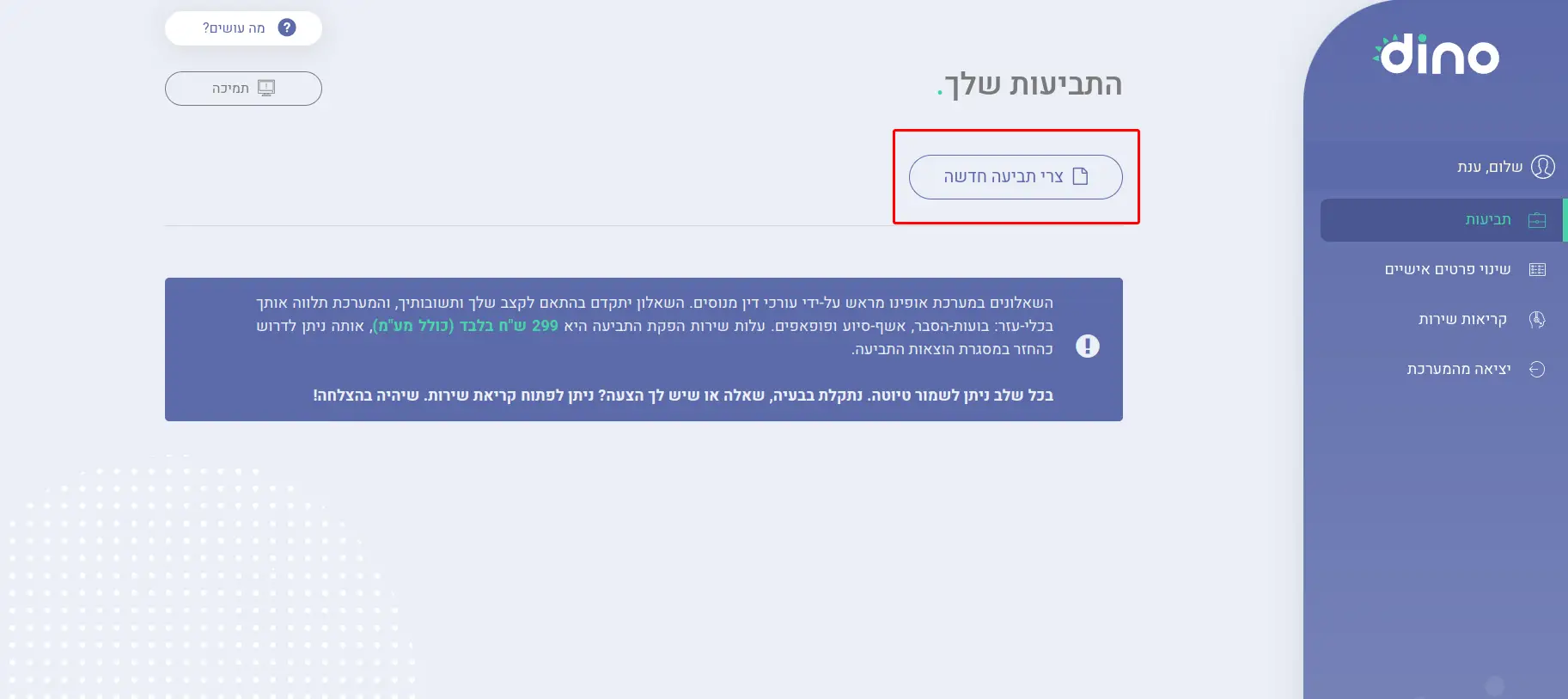
Now, to the creative part: Click the button to begin working on your claim!
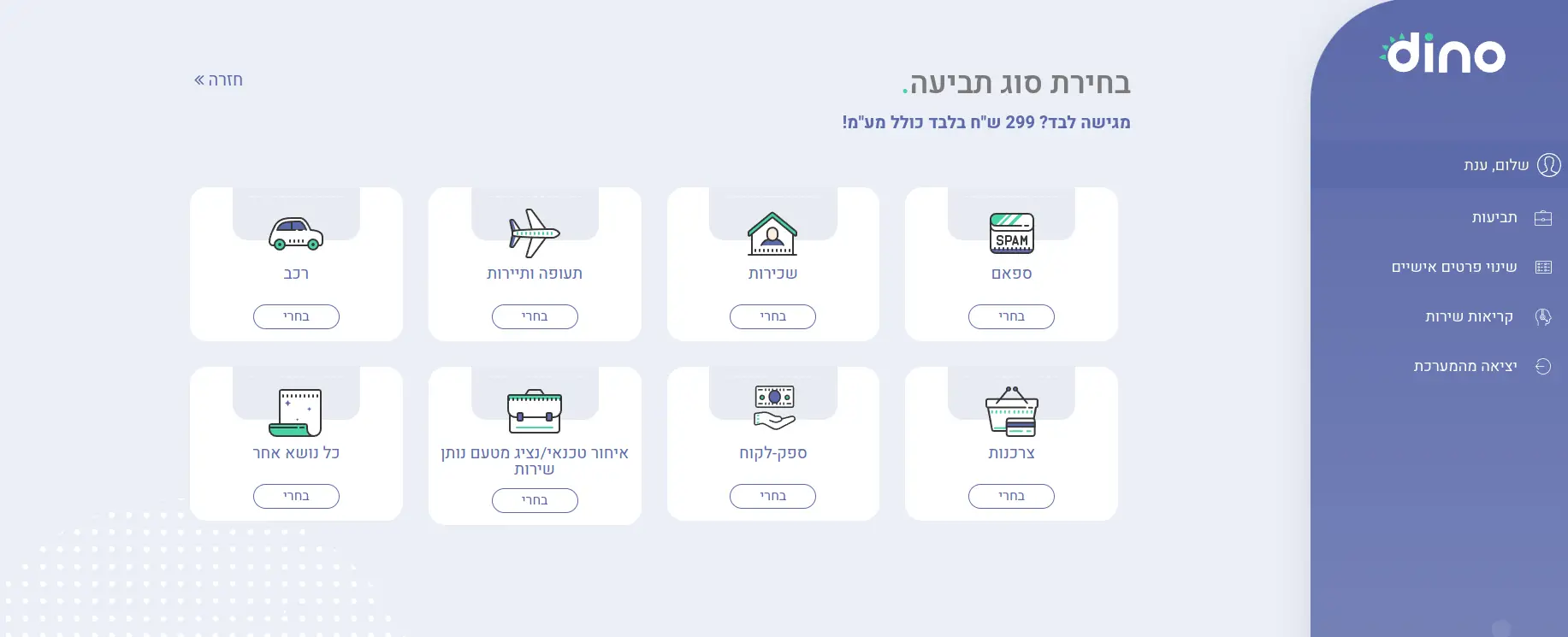
Select the claim type. The corresponding questionnaire will load (subcategories exist within main categories).
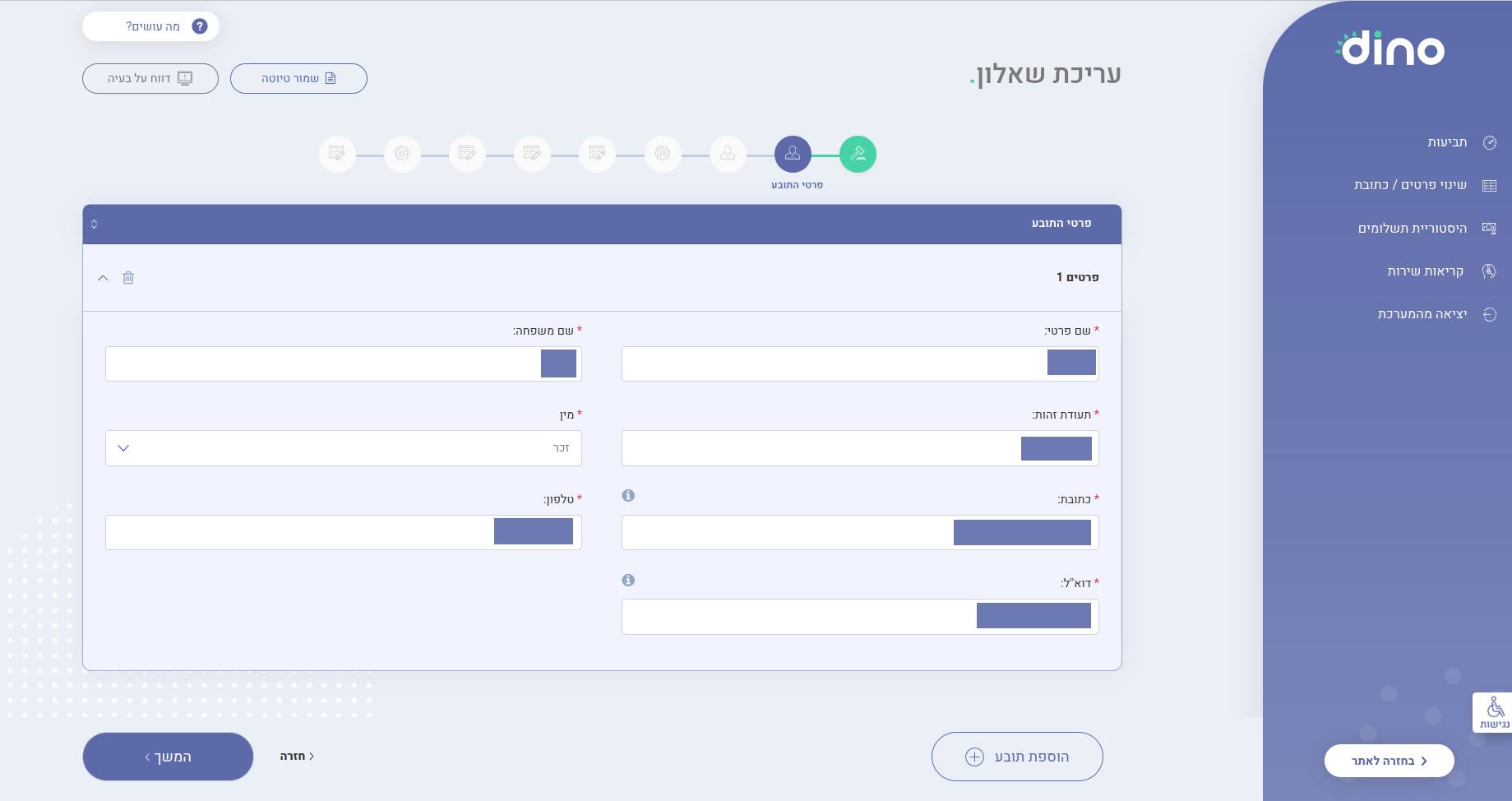
Dino’s questionnaire is dynamic and updates based on your responses.
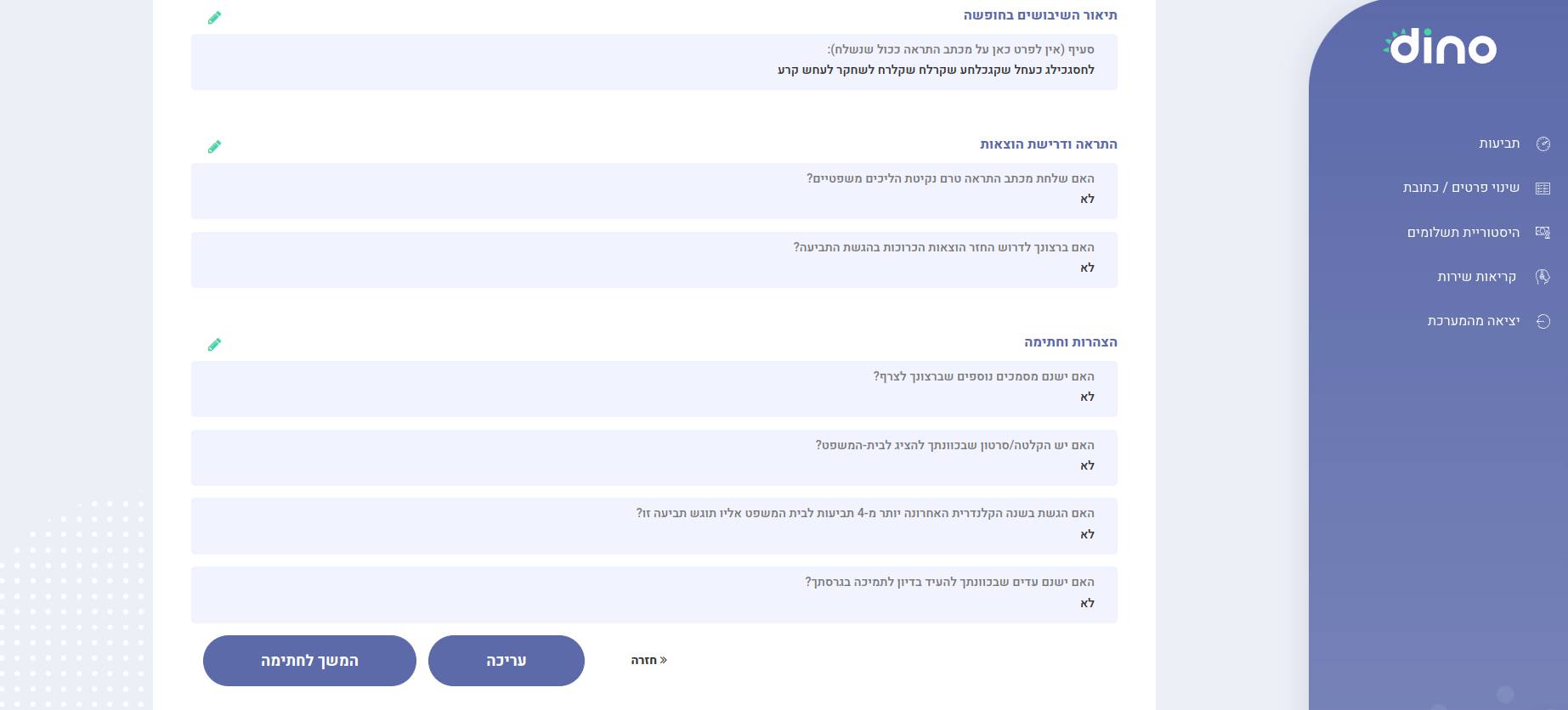
Upon completion, the system will direct you to a preview page to review questions and answers. Changes are possible before final submission.
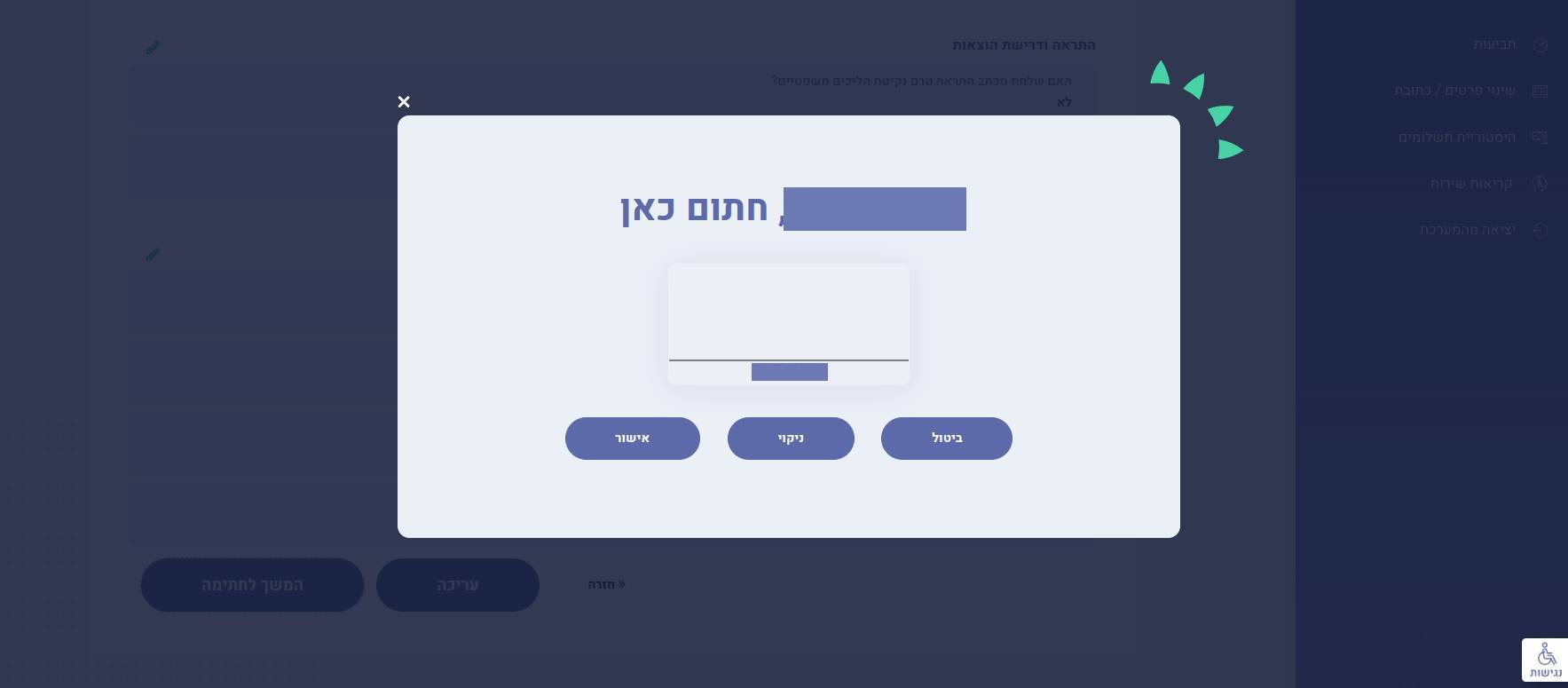
Add the claimant’s signature(s).
Note: The claim will not be submitted until you approve the final product. Even then, modifications are possible.
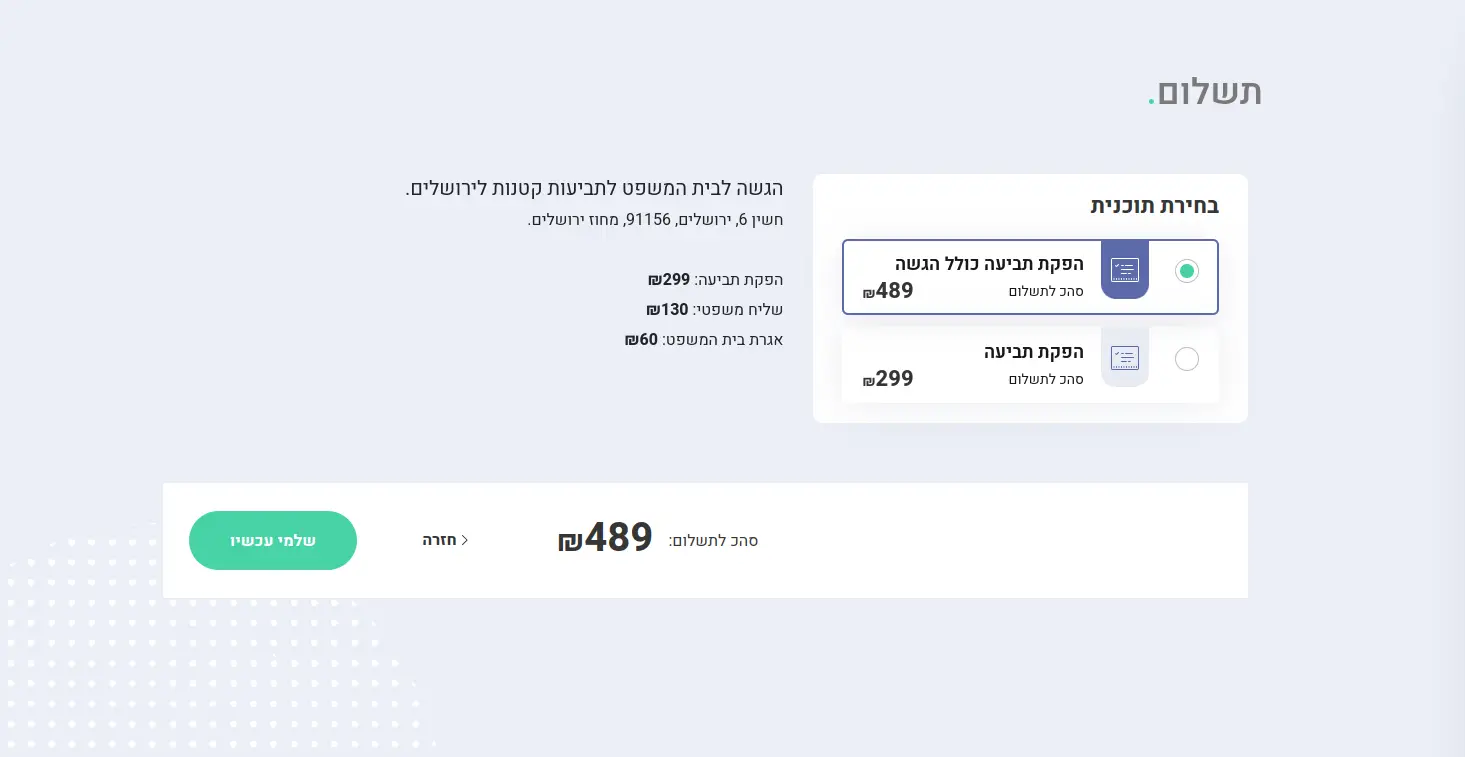
The final step is payment. Choose one of two options:
Now, await claim generation!
The claim will be emailed to your registered address and will be available for download in your personal area via Dino’s dashboard. Need to make changes after viewing? No problem! The document will be a Word file, allowing for free editing. Please review the data to ensure accuracy.
For mobile users, it’s recommended to open the final document on a computer (some phones may not fully support Word documents).

View a sample claim, generated by Dino:
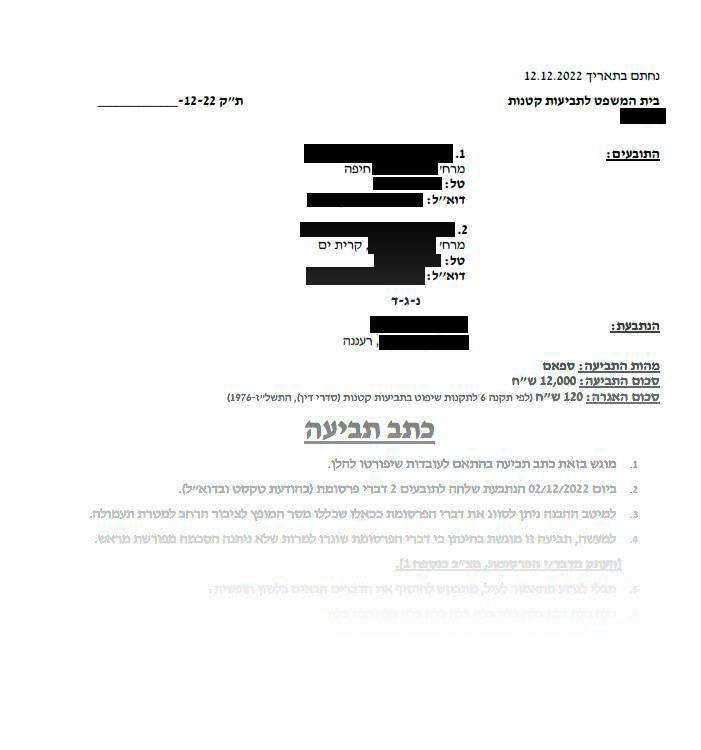



The term "Spam Law" refers to Amendment No. 40 to the Communications (Broadcasting and Telecommunications) Law, 1982.